Why Employees Resist Time Tracking (And How Smart Teams Fix It)
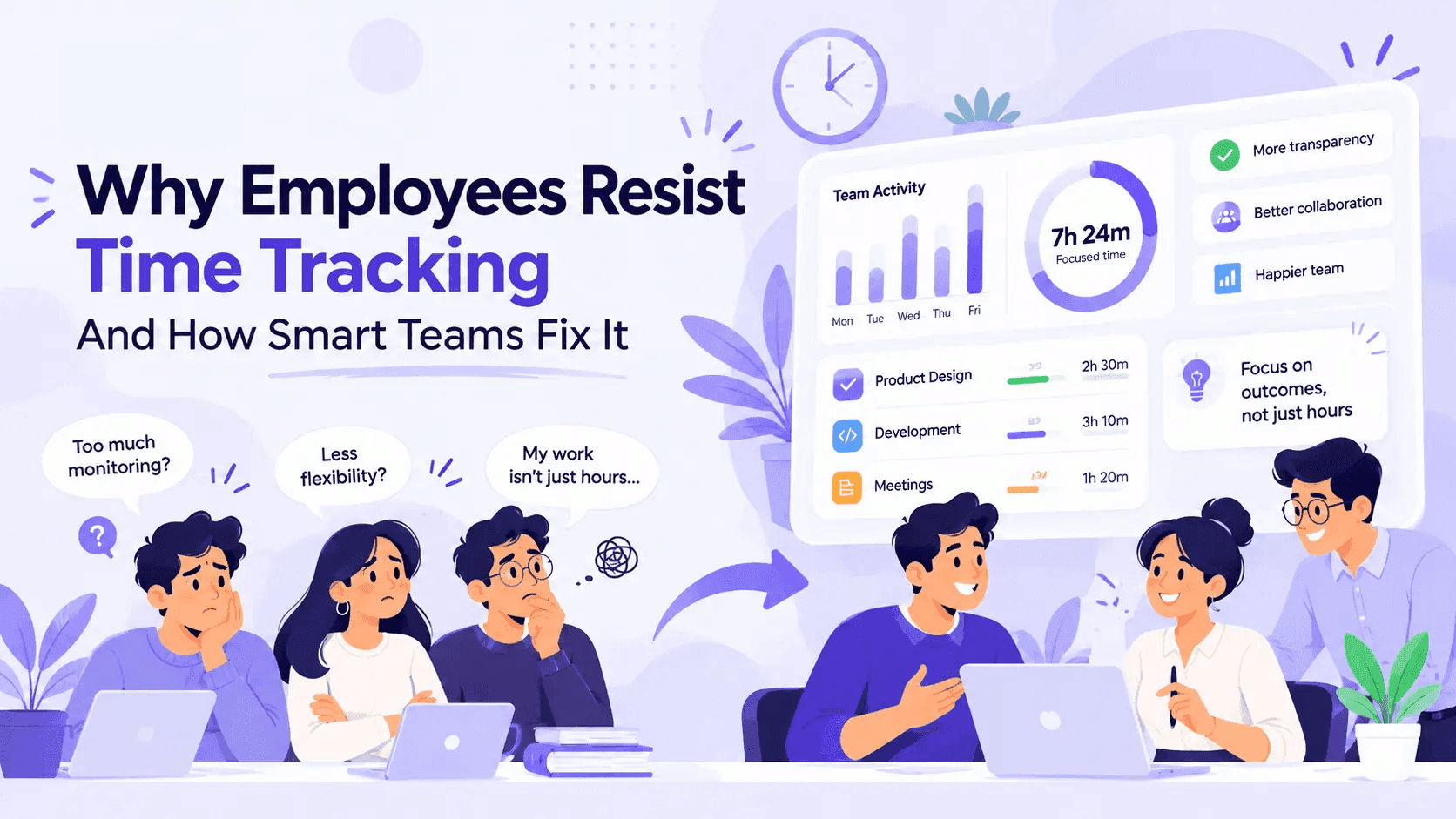
Employees resist time tracking because of trust, privacy, and fairness concerns. Here's why it happens and the practical steps smart teams use to fix it.
You have probably seen it happen. A manager announces in a team meeting, "Starting Monday, we're rolling out a time tracker." The room goes quiet. Someone asks, "Does it take screenshots?" Someone else gives a tight smile. By lunch, there is a side chat going that you are not part of.
Nobody is against being paid correctly or having fair workloads. What people push back on is the feeling of being watched without a reason. And honestly, that is a reasonable reaction. If the rollout is not handled well, time tracking can feel like surveillance.
The good news is that resistance is rarely about the software itself. It is about the story people tell themselves about why it is there. Change the story, and most of the pushback goes away.
Why Employees Resist Time Tracking: The 6 Real Reasons
1. "You don't trust me."
This is the big one. When a tracker shows up without context, most employees assume someone above them thinks they are slacking. Even top performers feel it. Especially top performers, actually, because they have been working hard and now it feels like that effort went unnoticed.
2. Privacy concerns
People want to know exactly what is being captured. Screenshots? Keystrokes? Personal browser tabs? When the answer is vague, imaginations fill in the gaps, and they usually fill them in with the worst-case scenario.
3. Fear of being reduced to a number
A developer who spends 40 minutes staring at a whiteboard solving a hard bug is not idle. A support agent who takes a long call with an upset customer is not unproductive. When people think a raw activity number will be used to judge them, they get defensive, and fairly so.
4. It feels like extra admin work
Old-school timesheets meant filling in hours at the end of the week, guessing what you did on Tuesday. Nobody wants to go back to that. If people think tracking means more busywork, they will resist.
5. Past bad experiences
Plenty of employees have worked somewhere that used monitoring tools to micromanage. One bad experience with a manager who pinged them every time their activity dipped is enough to make anyone wary forever.
6. The data does not match reality
This one is sneaky and very common for night-shift and overnight teams. If someone works 9 PM to 6 AM and the tool splits their shift across two calendar days, their report shows 3 hours one day and 14 the next. Now they look inconsistent, payroll gets messy, and trust in the whole system drops. When the numbers are visibly wrong, people stop believing any of them.
Resistance at a Glance: What Employees Say vs. What They Mean
| What employees say | What they're really worried about | What actually helps |
|---|---|---|
| "Why do we need this?" | Being distrusted | Explain the business reason before launch |
| "Is it recording everything?" | Privacy invasion | Publish exactly what is and is not tracked |
| "My job isn't all keyboard work." | Unfair judgment | Use context-aware productivity scoring |
| "This is more admin for me." | Wasted time | Pick automatic tracking, not manual timesheets |
| "My hours look wrong." | Inaccurate records hurting pay | Use a tool that handles shifts properly |
| "My last job used this to micromanage." | Being controlled | Commit publicly to how data will be used |
How Smart Teams Fix It
Companies that roll out time tracking successfully do not have magically more trusting employees. They just do a handful of things in the right order.
Step 1: Lead with the "why," not the tool
Before anyone installs anything, tell your team what problem you are solving. Be specific.
"Our client billing has been off by 10 to 15 percent because we are estimating hours" is a real reason. "We want to improve productivity" is not. It sounds like code for "we think you are lazy."
Good reasons people accept: accurate client billing, fair workload distribution, correct payroll for overtime and night shifts, understanding where time actually goes so you can cut pointless meetings.
Step 2: Be radically transparent about what's tracked
Write it down. Put it in a shared document. Tell people exactly what the tool captures, how often, who can see it, and how long it is kept. Then tell them what it does not do.
If you are using screenshots, explain the interval and whether idle frames are flagged. Tools like HoraFlow take random-interval screenshots and flag idle frames automatically, so managers do not have to dig through hundreds of images or make snap judgments. Sharing that detail up front removes a lot of fear.
Step 3: Give employees access to their own data
This is the single most effective trust builder. When people can see their own timelines, hours, and productivity scores, the tool stops being something done to them and becomes something they use.
A lot of people end up liking it. They can finally prove how much time a messy client actually eats up. They can show their manager that they have been working 50-hour weeks. Suddenly the data is on their side.
Step 4: Use scores that explain themselves
Black-box productivity ratings kill trust fast. If someone gets a low score, they need to be able to see why.
HoraFlow combines keyboard, mouse, app activity, and meeting time into one daily score, and you can open any score to see the activity behind it. That transparency means conversations start with "let's look at what happened" instead of "why is your number low?"
Step 5: Make tracking automatic
The less effort it takes, the less people resist. A desktop app that runs quietly after a single clock-in beats manual timesheets every time. Nobody has to remember what they did last Thursday afternoon.
Step 6: Get the shift logic right
If your team works nights or overnight, this matters more than almost anything else. When hours land on the wrong date, employees see errors in their records and assume the system is broken, or worse, rigged.
Here is a simple example of the difference:
| Shift | Calendar-day tools report | Shift-based tracking reports |
|---|---|---|
| Mon 9 PM to Tue 6 AM | Mon: 3h, Tue: 6h | Mon shift: 9h |
| Tue 9 PM to Wed 6 AM | Tue: 9h, Wed: 6h | Tue shift: 9h |
| Weekly impression | Inconsistent, confusing | Clean, accurate |
HoraFlow treats the shift as the unit of work instead of the calendar date, which is why it is popular with BPOs, logistics teams, and support centers.
Step 7: Promise how the data will and will not be used, then keep it
Say it out loud: "We will not use minute-by-minute activity to discipline anyone. We will use trends to balance workloads and fix processes." Then actually do that.
The first time a manager uses a single idle alert to scold someone, you will lose months of trust.
Step 8: Pilot with a small group first
Pick a team that is open to it. Run it for two to four weeks. Collect honest feedback. Fix what is annoying. Then roll it out wider with real stories from colleagues. Peer voices beat management announcements every single time.
Micromanagement vs. Smart Tracking: Know the Difference
| Micromanagement approach | Smart team approach |
|---|---|
| Watches screenshots in real time | Reviews trends weekly |
| Messages people when activity dips | Talks about patterns in one-on-ones |
| Hides data from employees | Shares dashboards with everyone |
| Uses scores to punish | Uses scores to balance workload |
| Launches with no explanation | Explains the business reason first |
| Ignores feedback | Pilots, listens, and adjusts |
If your rollout looks more like the left column, expect resistance. If it looks like the right column, most people will get on board within a few weeks.
What Success Actually Looks Like
When time tracking is done well, a few things tend to happen:
Payroll disputes go down because hours are recorded accurately and automatically. Overloaded people get noticed, often for the first time. Meetings get trimmed because everyone can see how much time they eat. Client billing gets cleaner, with project and task-level reports backing every invoice. Managers stop asking for spreadsheets because daily summaries land in their inbox.
None of that requires watching anyone over their shoulder. It just requires honest data that everyone trusts.
A Quick Word on Cost
Some teams resist because leadership worries about the price, then picks a cheap tool that nobody likes. It is worth comparing properly.
HoraFlow uses flat-rate plans instead of per-user pricing. That makes it easier to roll out to the whole team instead of just a few people. Partial rollouts, by the way, create their own resentment: "Why is my team tracked and theirs is not?"
Frequently Asked Questions
Why do employees hate time tracking?
Most employees do not hate time tracking itself. They dislike feeling distrusted, being judged by numbers that miss context, and not knowing what is being recorded. Clear communication and shared access to data usually solve this.
Is employee time tracking legal?
In most places, yes, as long as employees are informed and the tracking is limited to work devices and work hours. Laws vary by country and region, so check local regulations and speak with a legal advisor before rolling out any monitoring.
How do you introduce time tracking without upsetting staff?
Explain the business reason first, publish exactly what is tracked, let employees see their own data, start with a pilot group, and promise that data will be used for workload and process improvements rather than punishment.
Does time tracking actually improve productivity?
It can, but mostly by exposing wasted time in processes, like too many meetings or unclear handoffs, rather than by pressuring individuals. Teams that use data to fix systems see better results than teams that use it to police people.
Are screenshots in time tracking an invasion of privacy?
They can feel that way if they are taken constantly or without notice. Random-interval screenshots on work devices, with clear disclosure and automatic flagging of idle frames, are a more balanced approach. Always tell employees upfront.
What is the best time tracking software for night shift teams?
Look for tools that treat the shift, not the calendar date, as the unit of work. Otherwise overnight hours split across two days and create payroll errors. HoraFlow was built specifically for day, night, and overnight shift teams.
How long does it take employees to accept time tracking?
With a good rollout, most teams settle in within two to four weeks. Resistance lasts much longer when the purpose is not explained or when early data is used to discipline people.
The Bottom Line
People do not resist time tracking because they are hiding something. They resist because they have been given no reason to trust it.
Explain why you are doing it, show them everything, give them their own data, get the numbers right, and use what you learn to make their work easier. Do that, and time tracking stops being "the thing management installed" and becomes something the team actually relies on.
Book a 10-minute HoraFlow demo and bring your messiest week of shift data to see what fair, transparent tracking looks like in practice.