How to Track Employee Productivity in 2026
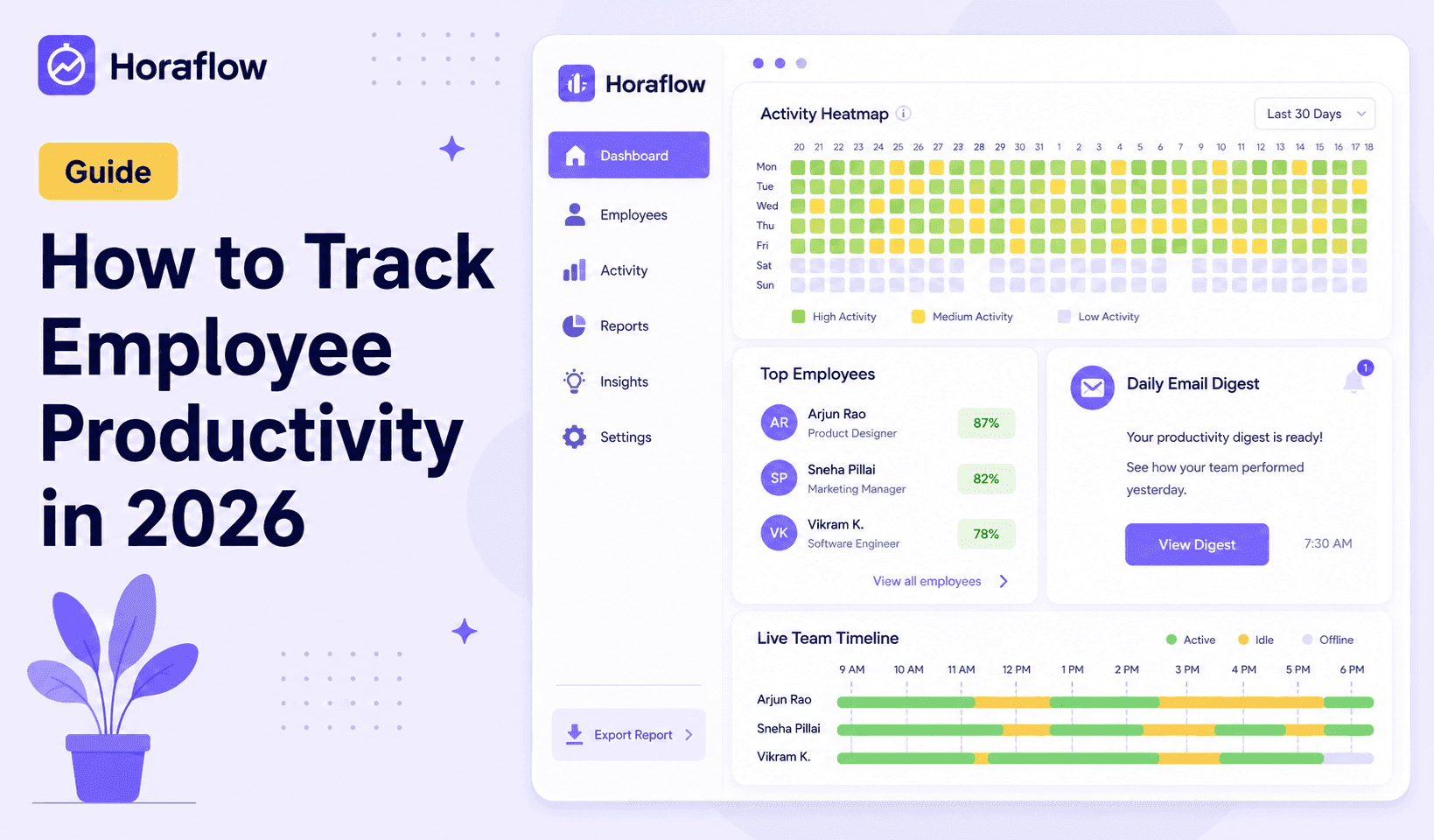
A practical guide to employee productivity tracking in 2026 — what to measure, what to ignore, how night shifts break most tools, and how to roll it out without damaging team trust.
Most managers go into productivity tracking with reasonable intentions. They want to understand where time actually goes, run accurate project reports, and make sure the team is getting credit for the hours they're putting in.
What usually happens next is this: they pick the tool with the most features, roll it out with a one-line Slack message, and three weeks later wonder why their team is irritated and output has dipped.
The problem is rarely the decision to track. It's how it gets done.
This guide covers what to actually measure, what to stop measuring, how to handle the parts most tools break (looking at you, night shifts), and how to roll this out in a way your team will accept rather than resent.
Why Most Productivity Tracking Falls Apart
Two things cause most tracking rollouts to fail, and they tend to feed each other.
The first is measuring the wrong things. Keystroke counts, mouse movement, and continuous time-on-screen are trivially easy to game and tell you almost nothing about real output. An engineer thinking through a hard architecture problem might barely touch the keyboard for 20 minutes. That same person is probably doing the most valuable work of their day. A metric that flags them as idle is giving you bad data.
The second problem is communication — or the lack of it. When monitoring software appears on company devices with no explanation, employees assume the worst. That assumption is usually wrong, but by the time you try to clarify, trust is already damaged and you're working against it.
Both problems are fixable. But you have to address them on purpose.
What You Should Actually Measure
Good productivity tracking focuses on patterns over time, not individual moments.
Active time versus idle time. The ratio of engaged hours to total logged hours is genuinely useful. One idle hour on a Tuesday means nothing. A consistent pattern of 3+ idle hours every single day is worth a direct conversation. The trend matters. The snapshot usually doesn't.
App and website usage. Knowing which applications a team member spends the most time in gives you context that raw time data can't. A support agent working in their CRM all day is doing their job. That same agent spending 4 hours in YouTube is a different conversation. Look at weekly patterns, not individual afternoon blips.
Project-level time. How many hours actually went into that client project? How long did it take to close out that sprint? Time-to-task data answers questions that "hours worked" totals cannot, and it's what you need for honest project pricing, client billing, and capacity planning.
Shift attribution accuracy. For any team running fixed shifts, especially overnight, tracking whether hours land on the right shift is non-negotiable. If your payroll numbers are off because a night shift crossed midnight and got split across two calendar days, you have a data integrity problem. More on this below.
Attendance patterns. Who is consistently late? Who regularly clocks out 20 minutes early? Who has been absent three Tuesdays in a row? Attendance data tells you things that no amount of productivity scoring will surface.
What You Should Stop Measuring
Several things that appear on productivity dashboards are genuinely not worth your attention.
Keystroke counts in isolation. They're easy to inflate and don't reflect thinking time. They penalize roles where deep focus involves reading and reviewing rather than constant typing. Remove this from your weekly review entirely.
Micro-idle alerts. A 4-minute gap in mouse activity is a bathroom break, a phone call, a glass of water, or a moment of actual thought. Building alerts around short idle windows creates anxiety without surfacing any information worth acting on. Set your idle threshold to something meaningful — 20 minutes or more.
Non-work browsing in moderation. For most roles, occasional non-work browsing is part of how people pace their day. It becomes relevant when it's a consistent pattern consuming hours, not when it's 12 minutes of news at lunch.
Every individual screenshot. Screenshots are useful for overall accountability and for investigating specific concerns. They are not a tool for a manager to review one-by-one every morning. Use the productivity score and heatmap as your daily view. Screenshots are context when something needs looking into.
The Night Shift Problem Nobody Talks About
If your whole team works a standard daytime schedule, you can skip this section. But if you run BPO operations, a logistics business, a 24/7 support function, or any team with rotating or overnight shifts, this is the most important part of this guide.
Here is the problem. When an employee clocks in at 10 PM and finishes at 7 AM, most time tracking software splits those hours across two calendar days. Monday shows 2 hours. Tuesday shows 7 hours. Neither row is correct. Your payroll team ends up reconciling spreadsheets every week to fix data that should never have been wrong in the first place.
The reason this happens is not a bug. Most time tracking tools were designed for a 9-to-5 office environment. They attribute hours by calendar date. Anything that crosses midnight gets cut in half.
The fix is architecturally simple, but almost no tool implements it. You need software that treats each shift as its own unit of work — one that knows the 10 PM to 7 AM block belongs to Monday night's shift, not to a fragment of Monday and a fragment of Tuesday.
How to Build a Monitoring Policy Your Team Will Actually Accept
The software side is the easy part. How you introduce it is where rollouts succeed or fail.
Tell your team before anything is installed. Schedule a 15-minute meeting or send a clear written message that explains what the software tracks, what it does not track, who has access to the data, and why you're using it. Do this before the installation email goes out, not after.
Be specific about your reasons. "To make sure you're working" is a poor explanation. "To run accurate project billing, attribute night shift hours correctly, and spot where team capacity is being under-used" is an honest one. The more operational your reason, the better it lands.
Give employees access to their own data first. When team members can log in and see their own productivity score, their own timeline, and their own attendance record, the tool stops feeling one-directional. Let them look at their own numbers before you do.
Call the first two weeks a calibration period. Tell your team explicitly that for the first two weeks you're verifying the data makes sense, not judging anyone's output. This removes the anxiety of "I'll get a warning if my score is low on day one" and helps people settle into their normal work patterns.
Focus all feedback on patterns, not moments. When you do have a performance conversation grounded in tracking data, make sure it's built on trends across weeks, not a single afternoon. That distinction matters both for fairness and for how the conversation lands.
What Useful Productivity Data Looks Like in Practice
After two to four weeks of clean data, here is how to actually use what you have.
Workload distribution. Look at hours-per-project across your team. If two employees are consistently running at high capacity and three others are under-utilized, you can redistribute before anyone burns out. You can't see this without the data.
Peak output windows. The activity heatmap shows when individuals and teams are most engaged. For knowledge workers, this is usually a 3-to-4-hour block. Once you know when that window is, you can protect it from recurring meetings and low-priority interruptions.
Estimate accuracy. If a task was quoted at 10 hours and time tracking shows 17, that's information you need for the next proposal. Over a month, these gaps tell you whether your pricing reflects reality.
Overtime patterns. If certain employees are consistently working well past their shift end time, that's a scope problem, a staffing problem, or a habit worth a direct conversation. You can't have that conversation fairly without data to back it.
Attendance trends. Consistent late arrivals, early clock-outs on specific days, or patterns you'd never catch in a weekly stand-up all become visible in the attendance data over time.
Choosing the Right Tool for Your Team
The market is crowded. Most tools work fine for a standard 9-to-5 team. The differences show up fast when your situation is more complex.
For teams with night shifts, rotating schedules, or employees spread across time zones, two things matter more than anything else: shift attribution accuracy and flat, predictable pricing.
Horaflow is built specifically for shift-based and growing remote teams. Pricing runs $69/month for up to 50 users, $125/month for up to 100, $250/month for up to 200, and $500/month for up to 500. Every feature is included in every plan, no locked tiers.
What that includes:
- Screenshots at random intervals that can't be predicted or timed, with idle frames automatically flagged
- Productivity scoring that pulls from keyboard activity, mouse movement, and active-window time, combined into a single daily score per employee
- A live team timeline that refreshes every 60 seconds, showing who's active, idle, or in a meeting right now
- An activity heatmap showing peak output hours across your whole team by day and hour
- Project and task tracking with per-project, per-employee time reports that are clean enough to send to a client
- Built-in leave management and attendance tracking, no separate HR tool needed for most teams
- A daily email digest delivered by 9 AM summarising what each team member worked on the day before
- Desktop agents for Mac, Windows, and Linux, including a signed .deb installer for Linux teams
For comparison, per-user tools like Hubstaff and Time Doctor start at $7 to $10 per user per month. At 100 users, that's $700 to $1,000 per month versus $125 flat. At 200 users, the difference becomes $1,400 to $2,800 versus $250.
The shift support is the real differentiator. If any part of your team works nights, Horaflow is the tool built for it.
A Practical Rollout Checklist
If you're getting ready to implement productivity tracking, here's the order that works:
- Draft a short written explanation of what's being tracked and why. Share it before anything is installed.
- Set up your team in the dashboard — roles, departments, and who manages who.
- Configure shifts correctly. If anyone on your team works past midnight, do this before the first clock-in.
- Create at least one project so time entries have somewhere to land. You don't need detailed task hierarchies on day one.
- Send the desktop agent installation link to your team before the kickoff call, so you can see live data during the call itself.
- Announce a calibration period. Set expectations explicitly before the first week of data comes in.
- Review the first week's data together. Show your team the heatmap, the activity overview, and their own individual scores. Make it a shared experience, not a one-way report.
The Short Version
Productivity tracking works when it measures patterns, not moments. When employees understand what's being tracked and why. When the tool handles your actual schedule, including nights and weekends. And when managers use the data to improve how work gets distributed rather than to micromanage individual hours.
Done right, everyone wins. Managers know where time actually goes. Employees get accurate pay for their shifts. Project estimates stop being guesswork.
The tool matters. But the framing matters more.
Book a 10-Minute Horaflow Demo
See what your team's time actually looks like. Bring your hardest week and we'll run it through Horaflow on a 10-minute call.
Frequently Asked Questions
What is employee productivity tracking?
Employee productivity tracking is the use of software to monitor how team members spend their work hours. This typically includes time tracking, app and website usage, screenshot capture at intervals, and a daily productivity score. The goal is to give managers a clear picture of how work time is distributed across people and projects without requiring manual timesheets or daily status-update meetings.
Is employee monitoring software legal in 2026?
In most countries, yes — provided employees are informed that monitoring is in place before it starts. The specifics vary by country and in some regions by state or province, so reviewing local employment law is worth doing. Monitoring on company-owned devices during work hours is generally permitted. Keyloggers, camera access, and monitoring of personal devices sit in a much more complicated area.
Does employee monitoring hurt productivity?
It can, if done badly. Covert monitoring, constant alerts about normal idle periods, and using tracking data to micromanage minute-by-minute behavior all create anxiety that reduces output. Done transparently, with employees having access to their own data, the effect is typically neutral or positive. People tend to be more focused when they know their time is being tracked fairly.
How do you track productivity for night shift employees?
Most tools were not built for this. They attribute hours by calendar date, so a shift from 10 PM to 7 AM gets split across two days with neither row being accurate. Horaflow treats each shift as its own unit of work. A 10 PM to 7 AM shift belongs to that night's shift entirely, regardless of when midnight falls.
What should an employee monitoring policy include?
At minimum: what is tracked (active time, screenshots, app usage), what is not tracked (keyloggers, cameras, personal device data), who has access to the data, how long records are kept, and what the purpose of monitoring is. A short, plain-language document shared before any software is installed addresses most concerns before they become resentment.
How much does productivity tracking software cost in 2026?
Per-user tools like Hubstaff and Time Doctor run from roughly $7 to $25 per user per month. At any significant team size, that adds up fast. Horaflow charges flat rates: $69/month for up to 50 users, $125/month for up to 100, $250/month for up to 200, and $500/month for up to 500. Every feature is included in every tier.
What features matter most in a productivity tracking tool?
The core must-haves are time tracking, screenshot monitoring, productivity scoring, app and website usage tracking, and attendance records. For teams with night or rotating shifts, accurate shift attribution is critical. For teams that bill clients by the hour, clean project-level time reports are non-negotiable.
How often should managers review productivity data?
A weekly review of trends is more useful than a daily deep-dive into individual hours. Use the daily digest email to stay aware of anything unusual. Use the weekly heatmap and project summaries to make scheduling and resourcing decisions. Save individual screenshot review for specific situations that warrant it.
Does Horaflow work on Linux?
Yes. Horaflow ships a signed desktop agent for Mac, Windows, and Linux, including a .deb installer for Linux. It is one of the only monitoring tools on the market with a fully working Linux client, which makes it a practical option for tech teams where Linux workstations are common.
What happens to screenshots? Who can see them?
Screenshots are captured at random intervals by the desktop agent and stored in your Horaflow account. Managers can access them. Employees can see their own. There is no live screenshot feed — managers review captures after the fact. Idle screenshots are automatically flagged so they are easy to filter out.
Can Horaflow track teams across multiple time zones?
Yes. Each employee's shift runs in their local time zone and reports adjust accordingly. You can have team members in Karachi, Toronto, and London on the same dashboard without manually converting hours or cleaning up timezone mismatches.