Managing a Team Across 5 Time Zones Without Losing Your Mind
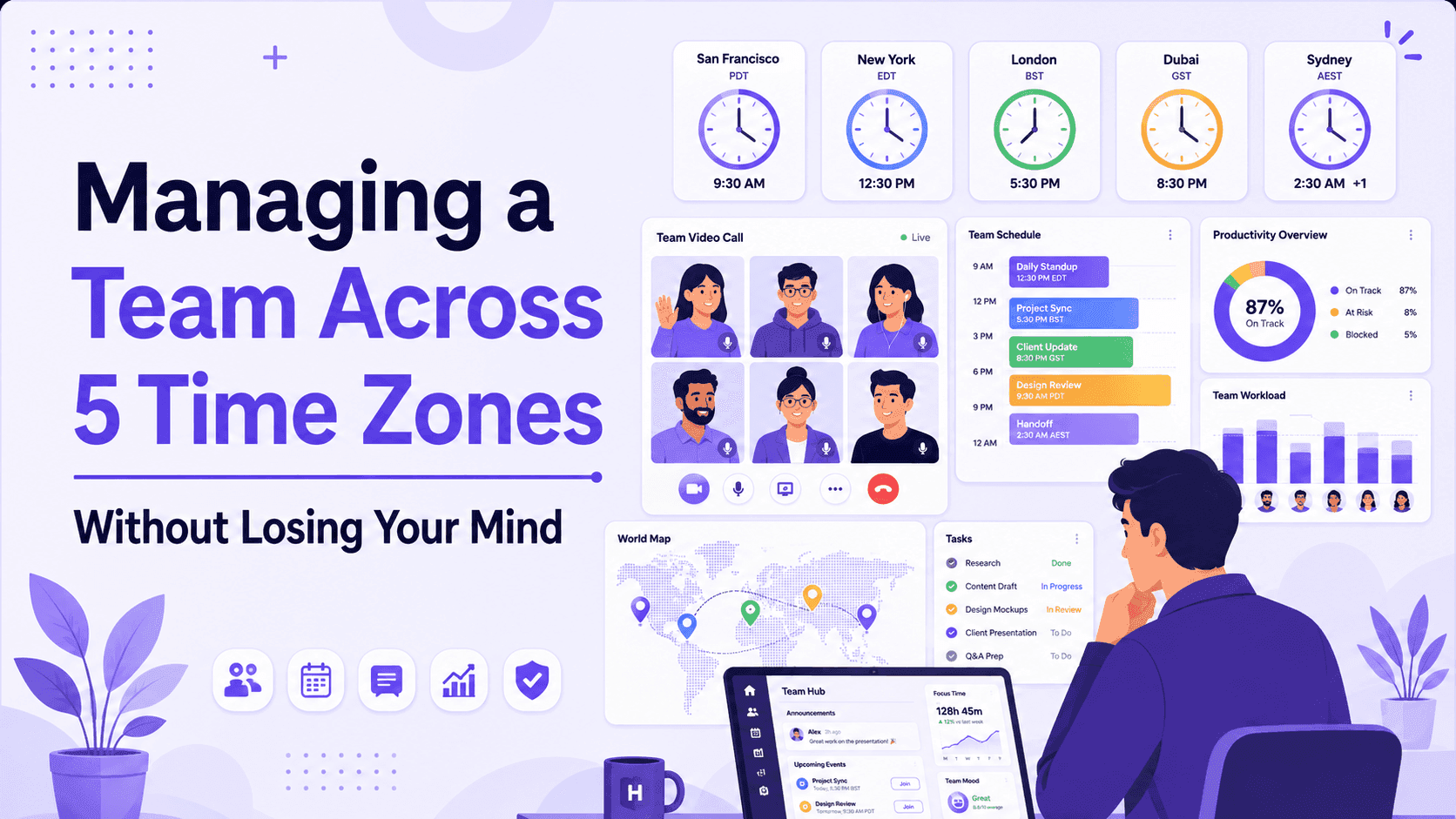
The first time I tried to schedule a "quick sync" with a team spread across Karachi, London, Manila, and two people in the US, I sent a poll with fourteen time slots. Nobody could make more than four of them. Someone in Manila was being asked to join at 11 PM. Someone in the US was being asked to join at 6 AM. We settled on a slot that was mediocre for everyone, which is usually how these things go. If you're managing people across three, four, or five time zones, you already know the real problem isn't the math. Converting 3 PM EST to Karachi time takes ten seconds. The real problem is that most teams try to run a distributed team using the habits of a team that sits in one office constant meetings, "just ping me," same-day replies expected by default. That approach breaks down fast once your team spans half the globe, and it breaks down in ways that quietly cost you money: missed handoffs, duplicated work, and managers who end up working two shifts just to stay in the loop. This guide covers what actually works, based on how distributed operations, BPO, and shift-based teams handle it in practice not the generic "use Slack and be flexible" advice you'll find everywhere else.
Why Time Zone Spread Breaks Traditional Management
Traditional management assumes three things: everyone is awake at the same time, questions get answered within minutes, and a meeting is the default way to make a decision. None of those hold once you're across five time zones.
Here's What Typically Goes Wrong First
The overlap window shrinks to almost nothing. With a five-zone spread — say Karachi, London, New York, and two shifts in Manila — your total working-hours overlap can drop to one or two hours a day, sometimes less. Everything important gets crammed into that window, which makes it stressful and easy to derail.
"Urgent" loses its meaning. When someone messages at 11 PM their time because it's 11 AM yours, and you don't reply until your morning, they've lost half a day. Multiply that across every dependency in a project and timelines slip without anyone doing anything wrong.
Managers become the timezone bridge informally. Without a system, one person (usually you) ends up manually relaying context between shifts. That's not scalable, and it's exhausting.
Night-shift and overnight teams get treated as an afterthought. A lot of tools and processes are built around a 9-to-5, one-timezone assumption. Attendance systems that reset at midnight, meeting tools defaulting to your local time, reporting that doesn't distinguish "yesterday" from "the shift that started yesterday" — these small frictions add up.
None of this means distributed teams don't work. It means they need a different operating system, not just good intentions.
1. Map Real Overlap Before You Map Anything Else
Before you touch processes or tools, get honest about your actual overlap hours. Not theoretical overlap — the hours when people are realistically alert and available, not the tail end of someone's night shift.
A simple way to do this: list every team member's normal working hours in UTC, then find where at least 70–80% of the team's hours intersect. For a five-zone team, this is often a 60–90 minute window, sometimes less if you include a true overnight shift.
Treat that window as sacred. It's for the things that genuinely need live discussion — sensitive feedback, fast decisions, whiteboarding. Everything else moves to async by default. If you find yourself protecting more than 90 minutes of "everyone must be online," you're probably running into scheduling problems that show up as attrition six months later, especially on the shift that's always asked to stretch.
2. Design for Handoffs, Not Meetings
The teams that manage distributed work well don't rely on meetings to transfer knowledge — they rely on handoffs. A handoff is a short, structured note that answers three questions: what got done, what's blocked, and what the next shift needs to know before they start.
This matters most in operations, support, and BPO environments where work genuinely runs 24 hours a day across shifts. A support queue that goes quiet for eight hours because the outgoing shift didn't leave notes is a queue the incoming shift has to re-diagnose from scratch. That's wasted hours you're paying for twice.
A Good Handoff Template Is Short on Purpose
- What changed since the last handoff
- What's currently blocked, and who owns unblocking it
- Anything the next person needs before their first task
Keep it to a five-minute write-up. If it takes longer than that, the real problem is usually that documentation is missing somewhere upstream, not that the handoff format is wrong.
3. Default to Async, Reserve Live Time for What Needs It
Async-first doesn't mean "nobody talks to each other." It means the default communication mode is written, and live conversation is something you opt into for specific reasons — not the automatic first move.
A Rough Rule That Works Well in Practice
- Async by default: status updates, most feedback, planning, documentation, anything that doesn't need back-and-forth in real time
- Live when it counts: performance conversations, conflict resolution, brainstorming, anything where tone and nuance actually matter
Teams that get this wrong usually swing too far one way. All-async cultures start to feel isolating and slow, especially for newer employees who need more context. All-meeting cultures burn out whoever is on the "bad" end of the time zone spread. The fix is naming, explicitly, which categories of work go where so people aren't guessing.
4. Rotate the Pain of Bad Meeting Times
If you must have a recurring live meeting across five time zones, someone is going to be inconvenienced. The mistake most managers make is letting that inconvenience fall permanently on whichever region has the least social capital in the room — often the shift furthest from HQ.
Rotate it. If your 9 AM EST standup is 7 PM in Manila every single week, that's not flexibility, that's an unpaid tax on one region. Alternating the meeting time monthly, or splitting into two shorter syncs instead of one long one, spreads the discomfort instead of concentrating it on the same people indefinitely. People notice this kind of fairness, and it shows up in retention.
5. Fix Your Tools Before You Fix Your Culture
A lot of "communication problems" on distributed teams are actually tooling problems wearing a people costume. A few worth checking:
Calendar Tools That Don't Show Local Time Clearly
If a Manila-based teammate has to do mental math every time they see a meeting invite, you'll get missed meetings that look like attendance issues but are actually UX failures.
Reporting and Attendance Systems That Assume a Single Calendar Day
This is a bigger deal than it sounds. Standard time trackers split shifts at midnight, which means an employee working 9 PM to 6 AM shows up as two broken days instead of one shift — and someone in payroll has to manually stitch the hours back together every single week. If your team includes a night or overnight shift as part of that five-zone spread, this is usually the single biggest source of quiet, recurring admin work.
No Shared Visibility Into Who's Actually Online
Without this, "are they working or asleep?" becomes a guessing game that erodes trust in both directions. A live team timeline — showing who's active, idle, or offline in real time — removes the guesswork without requiring anyone to post a status update every hour.
This is the part of distributed team management that tools like Horaflow were built around: tracking hours, attendance, and productivity by shift rather than by calendar day, so a team spread across five time zones — including one running overnight — shows up correctly in reporting instead of generating manual fixes every payroll cycle.
6. Write Things Down, Even When It Feels Unnecessary
On a single-timezone team, a lot of context gets transmitted informally — overheard conversations, quick desk-side questions, body language in a meeting. None of that exists across time zones. If it's not written down, it effectively doesn't exist for whoever is asleep when it happens.
This doesn't mean documenting everything exhaustively. It means being disciplined about a small set of things: decisions (what was decided and why), ownership (who's responsible for what), and status (what's the current state of anything in progress). A shared doc or wiki that's actually kept current beats a perfectly organized one that's six weeks stale.
7. Measure Outcomes, Not Online Hours
The most common failure mode in distributed management is defaulting to presence as a proxy for performance — assuming someone is productive because their status shows "active" during your working hours. Across five time zones, this breaks down completely, because "your working hours" isn't a meaningful frame for half the team.
Set expectations around outcomes and deadlines instead: what needs to be true by end of week, not what hours someone was visibly online. Where activity data is useful — spotting burnout patterns, understanding when a team genuinely does its best work, catching a process bottleneck — use it for that, not as a substitute for trust.
A Realistic Checklist
If you're setting this up from scratch, here's a reasonable order of operations:
- Map real overlap hours in UTC across the whole team
- Define what's async-default vs. live-required
- Build a five-minute handoff template for shift transitions
- Rotate any unavoidable inconvenient meeting times
- Audit your calendar, attendance, and reporting tools for timezone and shift blind spots
- Set up a lightweight shared doc for decisions, ownership, and status
- Shift performance conversations from "were they online" to "did the work get done"
None of this eliminates the friction of running a team across five time zones entirely — that friction is real and it doesn't fully go away. But it stops the friction from turning into burnout, payroll errors, and the kind of quiet attrition that shows up as "we don't know why our Manila team keeps leaving" six months later.
FAQ
How much overlap time do I actually need for a 5-timezone team?
Sixty to ninety minutes of true overlap is usually enough if you're disciplined about using it only for things that need to be live — decisions, feedback, and planning. Teams that try to protect more than that tend to be using meetings as a substitute for documentation.
What's the biggest mistake managers make with distributed, multi-timezone teams?
Treating live meetings as the default way to communicate, instead of the exception. It concentrates inconvenience on whoever has the worst timezone overlap and slows everything else down waiting for a synchronous window.
How do I track hours accurately when part of the team works overnight?
Standard time tracking tools that split reporting at midnight will misattribute overnight hours across two calendar days, which creates payroll headaches. Look for tools that track by shift rather than by calendar day.
Should I rotate meeting times or just accept that one region always gets the bad slot?
Rotate it. It's a small operational cost and a meaningful fairness signal — and it tends to show up in how long people on the "far" shift stay with the company.