Employee Attendance Tracking: A Complete Guide for HR and Operations Teams
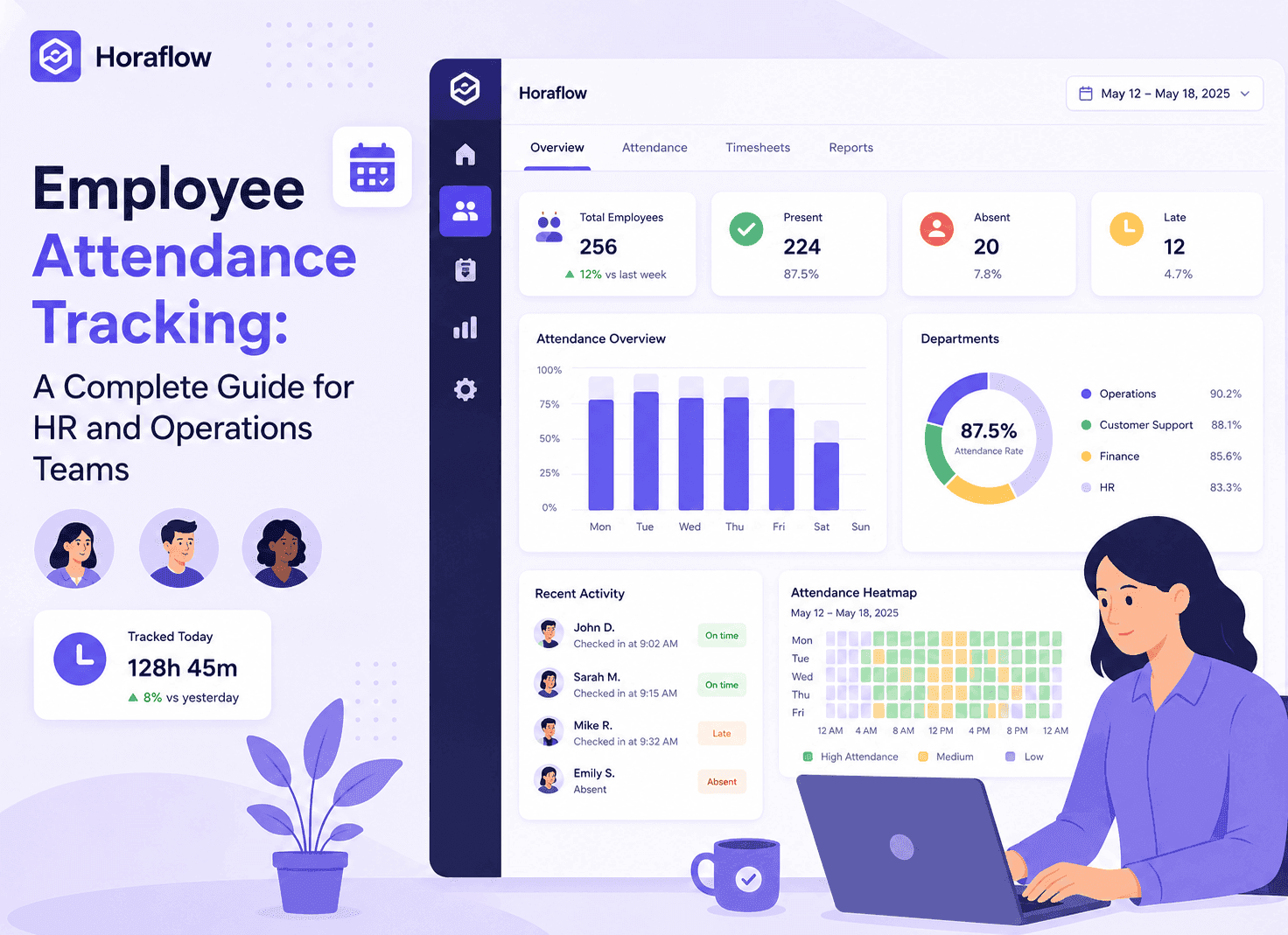
Employee attendance tracking is more complex than it looks once you add shift workers, remote teams, and multiple time zones. This guide covers what to track, what to ignore, how to set up the right system, and how to use attendance data without micromanaging your team.
Employee attendance tracking gets complicated faster than most HR teams expect.
Simple enough as a concept: who showed up, when did they arrive, when did they leave? But the moment you have more than 20 people, multiple shift types, remote workers across time zones, part-time employees with irregular schedules, and a mix of office and work-from-home arrangements, the simple question becomes a complex data problem.
Most organizations handle this in one of two ways: with a system that is too simple to handle the complexity (a shared spreadsheet that someone updates inconsistently), or with enterprise HR software that costs more than it is worth for a team of under 500 people.
This guide covers how attendance tracking actually works at the operational level, what to measure and what to ignore, how to choose the right tool for your team size and structure, and how to roll it out without creating a culture of anxiety.
What Is Employee Attendance Tracking?
Employee attendance tracking is the systematic process of recording when employees start and stop work, along with any absences, late arrivals, early departures, and approved leave during scheduled hours.
For most organizations, attendance tracking serves four main purposes:
Payroll accuracy. You cannot pay people correctly if you do not have accurate records of when and how long they worked. For hourly workers and shift workers in particular, attendance data is the foundation of payroll.
Legal compliance. In many jurisdictions, maintaining accurate working hour records is a legal requirement, particularly around overtime limits, minimum rest periods, and maximum weekly hours. Inaccurate records create compliance risk.
Operational visibility. Managers need to know who is available right now and who is absent to make real-time decisions about coverage, task assignment, and client commitments.
Performance context. Consistent late arrivals, unexplained absences, or patterns of early clock-outs are often early signals of a wider issue worth addressing before it becomes a larger problem.
What to Track in an Attendance System
Not everything needs to be tracked at the same level of detail. Tracking too much creates noise that obscures the signals that actually matter.
Track: Clock-in and clock-out times. The foundation of any attendance system. When did the shift start and when did it end, measured against the scheduled shift time.
Track: Late arrivals. Defined relative to the scheduled shift start, not an arbitrary general cutoff. What constitutes late should be defined in your attendance policy before you start measuring it.
Track: Early departures. Leaving significantly before the scheduled shift end. Again, define what significantly means in writing before enforcing it.
Track: Unplanned absences. No-shows, last-minute callouts, and absences without prior approval are different from planned leave and should be logged separately.
Track: Approved leave types. Sick leave, annual leave, parental leave, and other categories should be recorded distinctly. Lumping all absence into one bucket makes reporting and planning impossible.
Do not obsess over: Bathroom breaks. A 3-minute gap in activity is not attendance data. If your system is flagging these, recalibrate your thresholds.
Do not obsess over: Individual short idle windows. A 15-minute period of lower activity during an 8-hour shift is meaningless on its own. A consistent pattern of 3 to 4 hours of idle time every day over several weeks is a different conversation.
Do not obsess over: Precise clock-in to the minute for exempt employees. For salaried workers where exact hour tracking is not legally required or operationally critical, requiring minute-level precision creates friction without adding value.
Attendance Tracking Methods: From Simple to Automated
Manual registers and spreadsheets. Works for teams under 5 to 10 people. Prone to errors, forgetting, and inconsistent entry. Does not scale and is difficult to audit.
Paper sign-in sheets. Common in physical workplaces, especially in regulated industries. Legally defensible as a record but not searchable or reportable without manual data entry.
Biometric systems. Fingerprint or face recognition clock-in for physical locations. High accuracy, eliminates buddy punching, useful for high-headcount shift environments. Not applicable for remote workers.
Badge or card swipe systems. Records entry and exit for physical premises. Works for office attendance but does not capture what happened between arrival and departure.
Software time clock. Employees clock in and out via a web app or desktop application. Works for both office and remote workers. Accuracy depends on employee discipline in remembering to clock in and out at the right times.
Automated desktop tracking. A desktop agent records active work time automatically once an employee clocks in. The system tracks activity in the background throughout the shift rather than relying on a single clock-out action. Most accurate for remote and hybrid teams because it captures real active hours rather than just the bookend timestamps.
Attendance Tracking for Shift Workers: The Problem Most Systems Get Wrong
Standard attendance systems consistently fail when shift workers enter the picture, and the cause is almost always the same: the system was designed assuming one standard daytime workday.
The overnight split problem. A shift from 10 PM to 7 AM crosses midnight. Most attendance systems attribute the hours to two different calendar days, creating records that require manual correction every week. An employee who worked 9 hours shows 2 hours on Monday and 7 hours on Tuesday, and neither entry is accurate.
Rotating shift complexity. Employees who rotate between morning, afternoon, and night shifts across different weeks need a system that assigns them to the correct schedule for the correct dates, not a fixed template.
Multiple shift types within the same team. An operations manager overseeing both day and night coverage needs attendance data that separates the two clearly, not a combined daily view that mixes shift types.
Weekend and public holiday shifts. Standard work calendar logic does not apply to 24/7 operations. The system needs to track based on actual scheduled shifts, not business day assumptions.
HoraFlow addresses all of these by treating the shift, not the calendar date, as the primary unit of attendance. Each shift has a defined start and end time, and attendance is recorded relative to those shift boundaries. A 10 PM to 7 AM shift shows up as one complete attendance record on Monday's night shift, not split across two days. Leave is approved and recorded against shifts, not dates. Overtime is calculated at the shift boundary, not the calendar date boundary.
[Image: A weekly attendance overview grid showing a team of 8 employees as rows and 7 days as columns. Each cell has a colored status chip: green for On Time, orange for Late Arrival, light blue for Approved Leave, red for Absent, gray for Scheduled Off. Overnight shift rows show the full shift block on the starting day. Clean HR software UI, light background, professional SaaS style.]
Setting Up an Employee Attendance Tracking System Step by Step
Step 1: Define Your Attendance Policy First
Before implementing any system, document your attendance rules clearly. The software enforces the policy. If the policy is unclear, the system will surface ambiguous data that creates disputes rather than resolving them.
Your attendance policy should define:
- What on time means (is a 5-minute grace period acceptable? 10 minutes?)
- What constitutes an absence (no-show vs. late arrival vs. early departure)
- What leave types exist and how they differ
- How far in advance planned leave must be requested
- What the process is for unplanned absence notification
- How attendance data will be used in performance conversations
Step 2: Configure Your Shift Schedules
If you have multiple shift types, set them all up before the first clock-in. This is the most common setup mistake: starting to track before shifts are configured, then spending weeks cleaning up historical data.
For each shift, define the name, start time, end time, applicable days, and which team members are assigned. For overnight shifts, your system should handle cross-midnight tracking automatically without special configuration.
Step 3: Add Team Members and Assign Shifts
Match each employee to their schedule. For teams with rotating shifts, configure the rotation logic so the system knows which employees should be on which shift on any given day without manual daily updates.
For large teams, bulk import via CSV is significantly faster than adding employees one by one. HoraFlow supports CSV import for initial team setup.
Step 4: Set Up Leave Management
Configure the leave types relevant to your organization: annual leave, sick leave, parental leave, public holidays, unpaid leave, and any organization-specific categories.
Define the approval workflow: who approves leave requests, how much notice is required, and whether managers receive notifications for requests in their team.
In HoraFlow, leave management is built into the same platform as attendance tracking. Approved leave automatically appears in attendance records so there is no manual cross-referencing between a leave log and an attendance sheet.
Step 5: Communicate to Your Team Before Launch
Tell employees what the system tracks, how it works, who has access to their data, and what happens if attendance records show an issue. Do this before the first clock-in, not after.
Teams who learn about an attendance system after it has been running for two weeks respond much worse than teams who were briefed in advance.
Step 6: Run a Two-Week Calibration Period
Do not make attendance-related management decisions based on the first two weeks of data. Use that time to verify that shift assignments are correct, that clock-in patterns match expectations, and that edge cases like people covering other shifts or approved exceptions are being handled correctly.
Tell your team explicitly that the first two weeks are calibration, not evaluation. This removes first-week anxiety and surfaces data quality issues before they affect anyone.
How to Use Attendance Data for Better Management Decisions
Once you have several months of clean attendance data, here is what you can actually do with it.
Identify chronic lateness patterns before they compound. Two late arrivals in a month means very little. Eight in a month is worth a conversation. The system surfaces the pattern; the conversation is still a manager's job.
Spot burnout risk early. Employees who are consistently working significantly past their shift end time, or who have elevated unplanned absences, are often early warning signs of burnout, overload, or a personal situation. Attendance data gives you something concrete to reference in a supportive conversation before the issue becomes a resignation.
Manage leave equitably. When leave requests are tracked systematically, you can see whether leave is being distributed fairly across your team and whether some employees are being passed over for approval more often than others.
Improve shift scheduling. After several months of data, patterns in late arrivals and absences by shift type or day of week become visible. Some of those patterns have operational causes worth addressing: transport issues, scheduling structures that do not match people's availability, or team dynamics that affect a specific shift.
Support payroll accuracy. Clean attendance data flows directly into payroll calculations. Approved leave is categorized correctly. Overtime is visible and calculated from actual shift data. The manual reconciliation step that payroll teams do every cycle becomes smaller or disappears entirely.
Attendance Tracking for Remote and Hybrid Teams
Physical attendance systems do not translate to remote teams. A card swipe that records office entry does nothing for someone working from their kitchen in a different country.
For remote attendance tracking, the practical approach is:
Software clock-in at shift start. The employee marks the start of their work session via the desktop agent or web app. This is the attendance trigger.
Automated activity tracking during the session. The desktop agent confirms that actual work is happening during the logged session, rather than relying solely on the clock-out timestamp hours later.
Shift-based records, not calendar-based. For remote workers with non-standard hours or overnight shifts, shift attribution is critical for accurate payroll.
Daily digest reports. Managers receive a morning summary of the previous day's attendance across their team without needing to log into a dashboard and pull data manually.
HoraFlow was designed specifically for this workflow. The desktop agent runs on Mac, Windows, and Linux. Attendance is recorded per shift rather than per calendar day. Leave management is built into the same platform. Managers get a daily email digest by 9 AM that includes attendance status for every team member from the previous day.
Frequently Asked Questions
What is employee attendance tracking?
Employee attendance tracking is the process of systematically recording when employees start and stop work, along with absences, late arrivals, early departures, and approved leave. It is used for payroll accuracy, legal compliance, operational planning, and early identification of performance or wellbeing issues.
What is the best way to track employee attendance?
For remote and hybrid teams, automated desktop tracking software combined with a software clock-in is the most accurate method. For physical workplaces, biometric or badge systems are common. The best approach depends on your team size, work location type, and whether your team works standard or shift-based hours.
Is employee attendance tracking legal?
Yes, in most countries. Employers are generally required to keep accurate working hour records as a matter of law. The specific requirements for employee notification and consent vary by jurisdiction. Attendance tracking during work hours on company equipment is generally legally straightforward. Tracking outside work hours or on personal devices is more complicated.
How do you track attendance for shift workers?
Use a system that defines shifts as units of work rather than attributing hours by calendar date. Standard systems that split overnight shifts at midnight create inaccurate records. HoraFlow tracks attendance relative to shift boundaries so an overnight shift appears as one complete record rather than two fragmented entries.
How do you track attendance for remote employees?
Remote attendance tracking uses a software clock-in at shift start combined with automated activity tracking via a desktop agent to confirm real active time. HoraFlow combines both in a single platform so remote attendance records are as accurate as physical ones.
What should an employee attendance policy include?
At minimum: the definition of a standard workday or shift, what constitutes a late arrival, what constitutes an absence, which leave types exist and how they differ, how leave is requested and approved, and how attendance data is used in performance evaluations.
How do you reduce unplanned absences?
Common causes of elevated unplanned absence include burnout, scheduling conflicts that do not suit people's lives, health issues, and team dynamics. Attendance data helps you identify which employees and which shifts have the highest rates. Addressing root causes is more effective long-term than disciplinary responses to symptoms.
Can attendance tracking software handle multiple time zones?
Yes, if you pick the right tool. Each employee's attendance should be tracked in their local time zone, with reports that normalize across time zones for management review. HoraFlow handles this automatically without requiring manual hour conversion.
What is the difference between attendance tracking and time tracking?
Attendance tracking records whether someone was present for their scheduled shift. Time tracking records what they did during that time at the project and task level. HoraFlow combines both in a single platform, so attendance records and productive work data are always in the same system.
How does leave management connect to attendance tracking?
Leave management and attendance tracking should be integrated in the same system. When leave is approved in HoraFlow, it automatically appears in attendance records with the correct leave type. This eliminates the need to cross-reference a separate leave log when reconciling attendance data.
How much does employee attendance tracking software cost?
Per-user tools typically run $5 to $15 per user per month for basic attendance features, more for full monitoring. HoraFlow covers attendance tracking, leave management, shift configuration, and time tracking at flat rates: $69 per month for up to 50 users, $125 per month for up to 100 users.
The Short Version
Employee attendance tracking works best when the policy exists before the system does, when shift schedules are configured before the first clock-in, and when employees understand what is being tracked and why before they are tracked.
For teams with shift workers, remote employees, or more than 30 people, dedicated attendance management software is the practical choice. Manual spreadsheets do not scale and do not produce data accurate enough for payroll or compliance.
HoraFlow covers attendance tracking, shift management, leave management, and time tracking in one flat-rate platform designed for exactly the team structures where standard tools create the most manual work.
Book a 10-minute demo and see how your team's attendance data would look in HoraFlow.