Best Remote Employee Monitoring Software in 2026
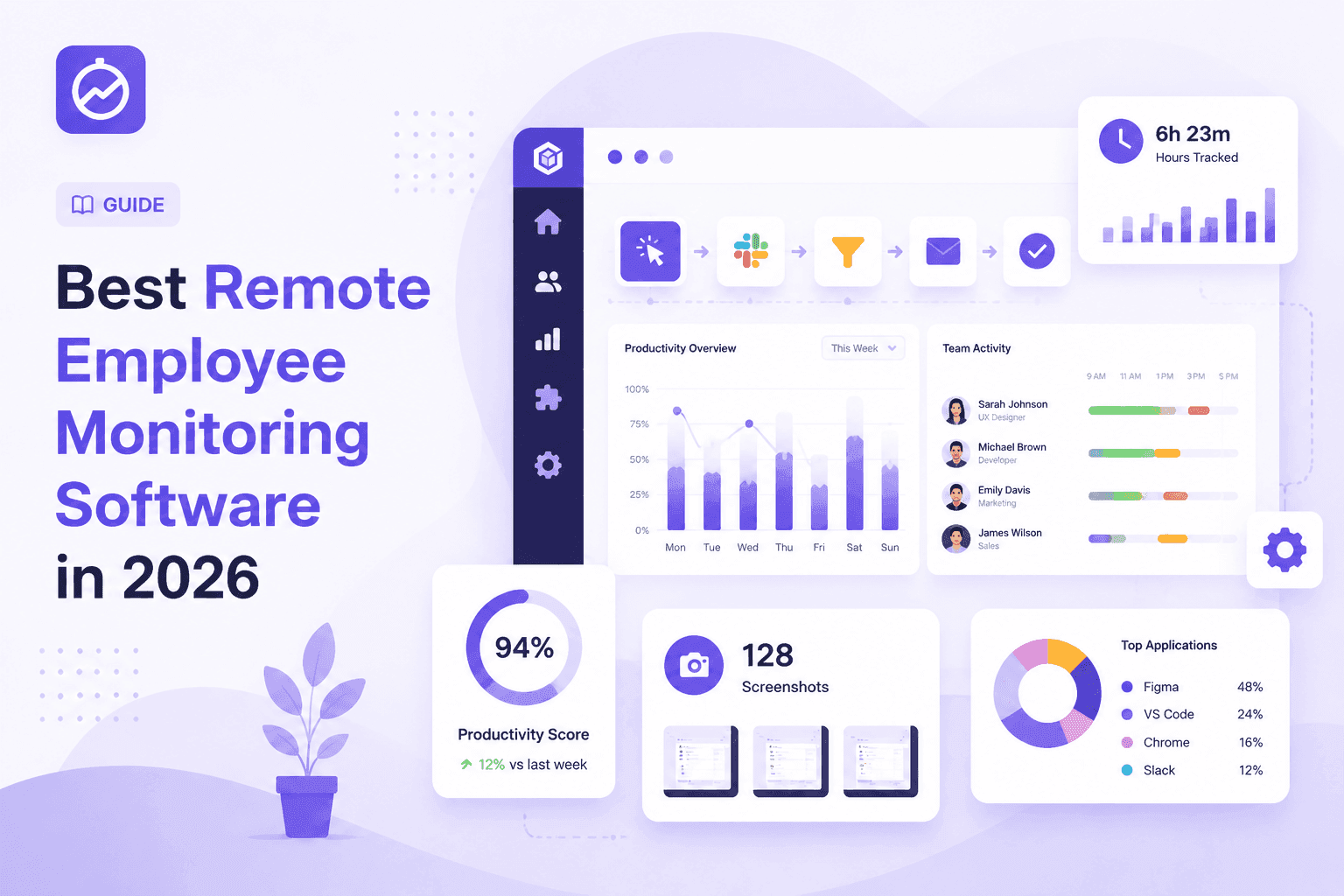
Looking for the best remote employee monitoring software in 2026? We compared 7 top tools on screenshots, productivity scoring, shift support, and pricing — here's the honest breakdown.
Best Remote Employee Monitoring Software in 2026 (Honest Picks)
Remote work is not going anywhere. But managing a distributed team without any visibility is a real challenge — and most managers know it. That's why remote employee monitoring software has gone from "optional IT tool" to a core part of how serious teams operate.
The problem is that the market is flooded with options, and most comparison lists are just reordered affiliate tables. This one isn't. We tested these tools, checked current pricing, and ranked them based on what actually matters for remote teams: screenshot accuracy, productivity scoring, shift handling, and total cost.
Here's the honest breakdown.
What Is Remote Employee Monitoring Software?
Remote employee monitoring software lets managers see how their team spends work hours without physically being in the same room. These tools typically track things like active time, app and website usage, screenshots, and task progress.
In 2026, the best tools go well beyond basic timers. They give you productivity scores, attendance dashboards, idle alerts, and project-level reports — all from a single dashboard your whole team can access.
The goal isn't surveillance. It's visibility. There's a big difference between a manager who has to chase updates all day and a manager who logs in, sees what's happening, and gets back to actual work.
What to Look For Before You Pick One
Before jumping into the list, here's what separates a great remote monitoring tool from one that creates more problems than it solves.
Screenshots that can't be gamed. Fixed-interval screenshots are easy to work around. Random interval capture is more reliable because employees can't predict when a screenshot will be taken.
Productivity scoring that makes sense. A score based on keyboard activity alone is easy to inflate. Look for tools that combine app usage, active window time, mouse activity, and output context.
Proper shift support. Most tools were built for a 9-to-5 workday. If your team works nights or rotates across time zones, you need software that attributes hours to the right shift — not the calendar date the clock ticked past midnight.
Flat, predictable pricing. Per-user monthly pricing at scale gets expensive fast. If you're managing 100+ employees, look for flat-rate plans that don't punish growth.
Privacy done right. The best monitoring tools track work activity — not personal browsing, not keyloggers, not camera access. If a tool feels invasive to employees, adoption will be low and resentment will be high.
The 7 Best Remote Employee Monitoring Tools in 2026
1. Horaflow — Best for Shift-Based and Growing Remote Teams
Pricing: From $125/month flat (up to 100 users) | ~$1.04/user/month on yearly plan
Horaflow was built for a problem most monitoring tools ignore: shift work. If your team runs day, night, and graveyard shifts, every other tool on this list will give you broken data — hours split across the wrong days, payroll that doesn't add up, and HR cleaning up spreadsheets every Monday morning.
Horaflow treats a shift as the unit of work, not a calendar date. So whether your team clocks in at 9 AM or 9 PM, every hour lands in the right place automatically.
Beyond shift support, Horaflow covers everything you'd expect from a full monitoring platform:
- Automated screenshots at random intervals so they can't be predicted or gamed, with idle frames flagged automatically
- Productivity scoring built from keyboard activity, mouse movement, active app time, and meeting hours — rolled into a single score per person per day
- Live team timeline showing who's active, idle, or in meetings right now — refreshes without a page reload
- Activity heatmap so you can see peak output hours across your whole team and schedule smarter
- Project and task tracking with per-employee, per-project time reports that are actually useful for client billing
- Leave management built in — no separate HR tool needed
- Daily email digests with a clean summary of what each team member did yesterday, delivered by 9 AM
- Desktop apps for Mac, Windows, and Linux — including a working Linux .deb installer
The pricing model is what really sets Horaflow apart. You pay a flat monthly rate based on team size — not per user, per feature, or per tier unlock. That means no surprise bills when you add someone new.
At roughly $1.04 per user per month on the yearly plan, Horaflow is about 10x cheaper than Time Doctor and significantly less than Hubstaff at comparable feature sets.
If you're running a team of 50 to 500 employees — especially one that works outside a standard 9-to-5 — Horaflow is the tool built for you.
Best for: BPOs, logistics companies, software studios, outsourcing teams, and any business with shift workers or remote employees across time zones.
Book a 10-minute Horaflow demo and see your team's real numbers
2. Hubstaff — Best for GPS and Field Team Tracking
Pricing: From $7/user/month (Starter) up to $25/user/month (Enterprise)
Hubstaff is one of the most widely used remote monitoring tools on the market, and it earns its reputation. It's solid on the basics — time tracking, screenshots, app and URL monitoring, and payroll integrations. If you're managing field workers or need GPS tracking tied to time entries, Hubstaff handles that better than most.
The downside is pricing. At $7 to $25 per user per month, Hubstaff gets expensive quickly with a larger team. A 100-person team could easily land at $700 to $1,200 per month depending on the tier — compared to Horaflow's flat $125/month for the same headcount.
Hubstaff also handles night shifts poorly. Hours are attributed by calendar day, which means shift workers create data problems that someone on your HR team ends up fixing manually.
Best for: Remote teams under 30 people, or companies that need GPS location tracking for field workers.
3. Time Doctor — Best for Detailed Distraction Tracking
Pricing: From $7/user/month (Basic) to $20/user/month (Enterprise)
Time Doctor is a detailed productivity tracker with strong distraction-detection features. It notifies employees when they drift to non-work websites, tracks which apps are being used and for how long, and provides client-facing reports useful for agencies billing by the hour.
The interface is more complex than most, and some employees find the distraction popups frustrating enough to push back on. Setup takes longer than it should for a tool at this price point.
Like Hubstaff, the per-user pricing adds up fast at scale. A 200-person team would pay between $1,400 and $4,000 per month depending on features needed.
Best for: Agencies and freelance-heavy teams that need detailed distraction tracking and client billing reports.
4. ActivTrak — Best for Privacy-First Workforce Analytics
Pricing: From $10/user/month (Essentials) to $19/user/month (Professional)
ActivTrak takes a different approach to monitoring. Rather than building the most comprehensive surveillance stack, it focuses on productivity benchmarking without collecting invasive data. It doesn't log keystrokes, doesn't record video, and excludes non-work activity from reports by default.
The Productivity Lab feature lets you benchmark individual and team focus time against organizational goals — useful for spotting burnout early or identifying high performers.
For compliance-heavy industries or teams where employee trust is a priority, ActivTrak is a reasonable pick. The trade-off is that it's lighter on features like screenshot monitoring and shift management.
Best for: Enterprise teams and regulated industries where privacy compliance matters more than deep activity monitoring.
5. Insightful — Best for Detailed App Analytics
Pricing: From $6.40/user/month to $12/user/month
Insightful is a solid mid-market option with strong app categorization and website analytics. You can set custom productivity rules — marking certain apps as productive or unproductive — which gives managers a more tailored view of how their team works.
It integrates cleanly with project management tools and provides detailed reports for HR and operations leaders. The dashboard is clean and reasonably intuitive.
Where it falls short is pricing at scale and the lack of real shift support. For teams larger than 200, the per-user model starts to hurt the budget.
Best for: Tech companies and professional services firms that need detailed app-level analytics for mid-sized remote teams.
6. DeskTime — Best for Automatic Productivity Classification
Pricing: From $7/user/month (Pro) to $14/user/month (Enterprise)
DeskTime automatically classifies apps and websites as productive, unproductive, or neutral based on your team's job roles — which cuts down on manual configuration. It's been around long enough to have a stable, predictable product.
The interface feels dated compared to newer tools, and the reporting is less flexible than ActivTrak or Insightful. But for smaller teams that want a simple, automated productivity view without a lot of setup, DeskTime works.
Best for: Small businesses and solopreneurs who want automatic productivity tracking without spending time configuring categories.
7. Clockify — Best Free Option for Budget-Constrained Teams
Pricing: Free (basic) | From $4.99/user/month (Standard) to $14.99/user/month (Enterprise)
Clockify is the most popular free time tracking tool on the market, and for solo freelancers or very small teams, it's genuinely useful at zero cost. Manual timers, project tracking, and basic reports are all included for free.
The moment you need screenshots, activity monitoring, or productivity scoring though, you're looking at paid tiers — and the feature set still doesn't match what Hubstaff or Horaflow offer at similar price points.
Best for: Freelancers and teams of under 10 people who need basic time tracking and aren't ready to invest in a paid tool.
Quick Comparison Table
| Tool | Starting Price | Screenshots | Shift Support | Productivity Score | Best For |
|---|---|---|---|---|---|
| Horaflow | $1.04/user/mo (flat) | Yes — random interval | Full shift support | Yes — daily score | Shift teams, SMBs, BPOs |
| Hubstaff | $7/user/mo | Yes | No | Basic | GPS and field teams |
| Time Doctor | $7/user/mo | Yes | No | Yes | Agencies, freelancers |
| ActivTrak | $10/user/mo | No | No | Yes | Enterprise / compliance |
| Insightful | $6.40/user/mo | Yes | No | Yes | Mid-market tech teams |
| DeskTime | $7/user/mo | Yes | No | Auto-classify | Small businesses |
| Clockify | Free / $4.99 | Paid only | No | No | Freelancers |
Why Shift Support Is the Feature Nobody Talks About
Most comparison articles skip this entirely. But if you're running a business that operates outside a standard 9-to-5 — a BPO, a logistics company, a 24/7 support team, a software studio with developers across time zones — shift support is the most important thing to check before you buy any monitoring software.
Here's the problem. When an employee clocks in at 10 PM and clocks out at 7 AM, most tools split those hours across two calendar days. So Monday shows 2 hours, Tuesday shows 7 hours, and neither row is accurate. Your payroll team ends up manually correcting timesheet data every week.
Horaflow solves this by treating a shift as the unit of work. Every hour gets attributed to the shift it belongs to — regardless of whether midnight happened in the middle of it. The data comes out clean, payroll adds up correctly, and your HR team doesn't have to babysit the spreadsheet.
If your team works standard hours, this won't matter much. But if any part of your team works night shifts or spans time zones, it matters a lot.
How to Roll Out Remote Monitoring Without Killing Team Morale
Choosing the right software is half the battle. How you introduce it to your team is the other half.
Be transparent about what's being tracked. Tell your team clearly what the software monitors — active time, screenshots, app usage — and what it doesn't. Most employees are reasonable about monitoring as long as they understand it.
Focus on fairness, not surveillance. Frame monitoring as a way to give everyone fair credit for their work, not as a way to catch people slacking. That framing is actually more accurate and it lands better.
Give employees access to their own data. When people can see their own productivity scores and timesheets, the data feels collaborative rather than one-directional.
Start with outcomes, not hours. Monitoring works best when managers use the data to improve scheduling and workload distribution — not to micromanage minute-by-minute activity.
Our Recommendation
For most remote teams — especially those with 50+ employees or any kind of shift-based structure — Horaflow is the clear recommendation. It's the only tool on this list that handles night shifts correctly, and it does it at a fraction of the cost of the alternatives.
At $125/month flat for up to 100 users, you're paying less per head than a single Hubstaff or Time Doctor seat.
The feature set is comprehensive — random-interval screenshots, daily productivity scores, a live team timeline, project reports, leave management, and desktop apps that work on Linux. You're not stitching together multiple tools. It's one platform, one price, and it handles the edge cases that other tools pretend don't exist.
Book a 10-minute Horaflow demo and see your team's real data
Frequently Asked Questions
What is the best remote employee monitoring software in 2026?
For teams with shift workers or 50+ employees, Horaflow is the top pick in 2026. It offers flat-rate pricing starting at $125/month for up to 100 users, random-interval screenshots, productivity scoring, and accurate shift attribution for night and rotating shifts. For smaller teams on a tight budget, Clockify offers a free entry point, though it lacks advanced monitoring features.
Is remote employee monitoring software legal?
In most countries, yes — as long as employees are informed that monitoring is taking place. Employment law varies by region, so it's worth checking local regulations. Most monitoring software is used on company-owned devices during work hours, which is generally permitted. Keyloggers, camera access, and monitoring of personal devices are areas where legality varies more significantly.
How much does remote monitoring software cost?
Pricing varies widely. Per-user tools like Hubstaff and Time Doctor start at $7/user/month and can reach $25/user/month for advanced features. Flat-rate tools like Horaflow charge by team size — $125/month for up to 100 users, $250/month for 200, and $500/month for 500 — which makes them significantly more cost-effective at scale.
What features should remote monitoring software have?
The must-haves are: time tracking, screenshot monitoring, productivity scoring, app and website tracking, and attendance reporting. For shift-based teams, accurate shift attribution is critical. For teams billing clients by the hour, project-level time reports are essential.
Does employee monitoring software work on Linux?
Most tools only support Windows and Mac. Horaflow ships a working desktop agent for Mac, Windows, and Linux — including a signed .deb installer — which makes it one of the few options for tech teams running Linux workstations.
Will monitoring software hurt employee trust?
It depends on how you introduce it. Transparent communication about what's tracked, giving employees access to their own data, and focusing on fair workload distribution rather than surveillance are all factors that protect team trust. Tools that avoid keylogging and camera access tend to be better received by employees.
Can I track remote employees across different time zones?
Yes. Most monitoring tools handle multiple time zones at the tracking level. The key difference is shift attribution — if your team works night shifts or rotates across midnight, most tools will misattribute hours to the wrong day. Horaflow is built specifically to handle this, treating each shift as its own unit rather than splitting hours by calendar date.
How is Horaflow different from Hubstaff?
The main differences are pricing and shift support. Horaflow charges a flat monthly rate — $125/month for 100 users — vs. Hubstaff's per-user pricing that can reach $12/user/month or more. Horaflow also correctly attributes night-shift hours to the right shift day, which Hubstaff does not. Both offer screenshots, productivity tracking, and project reports.
Last updated: May 2026. Pricing and features verified at time of publication.